tagged  Sharing in Announcements, PDFescape
Sharing in Announcements, PDFescape Thursday, May 26, 2011 at 9:05AM UPDATE: Red Software is no longer affiliated with PDFescape.
Red Software is proud to announce that PDF documents can now be easily shared using its free PDF editor, PDFescape.
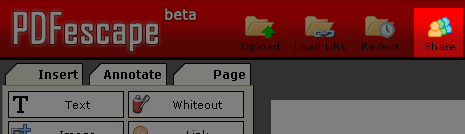
Documents can be shared by clicking the "Share" button on the top of the PDFescape interface.
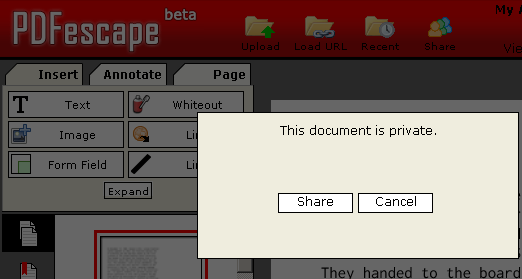
Then, in the dialog that appears, click "Share" to share the active document.
A link to share your document will appear.
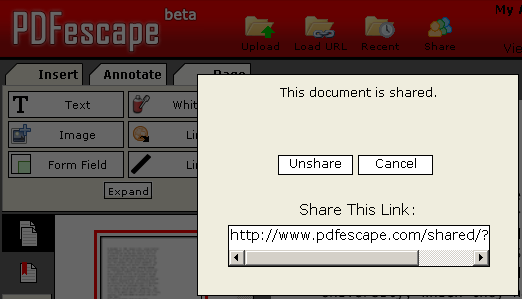
Copy and paste this link into an email, post it on your web site, or otherwise provide it to anyone with whom you wish to share this document.
For more information about free PDF sharing with PDFescape, see http://www.pdfescape.com/what/sharing/
Sharing in Announcements, PDFescape Wednesday, April 13, 2011 at 9:01AM Version 1.10 of the ASP.NET PDF viewer, PDF form filler, and PDF editor, RAD PDF, has been released.
This new version allows web users to highlight PDF files, streamlines interaction with large PDF documents (especially in slower browsers), and improves server performance.
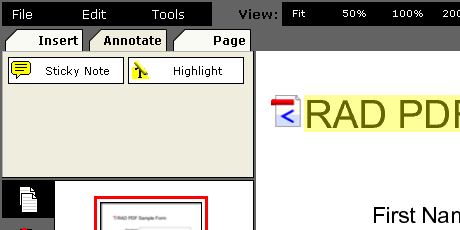 Empower customers to markup PDF files - without Adobe Reader - using RAD PDF's numerous tools including sticky notes and highlighting
Changes to RAD PDF allow for a more customizable user interface. By hooking into the improved RAD PDF Client API, new custom interfaces can be quickly implemented.
This new version also includes several bug fixes and minor feature updates.
This is a free upgrade for all customers with an active Maintenance Plan.
ASP.NET in Announcements, RAD PDF Tuesday, April 5, 2011 at 12:59PM UPDATE: Red Software is no longer affiliated with PDFescape.
Red Software, the creators of the free PDF editor PDFescape, are proud to announce a few new performance improvements:
These improvements are immediately available to all users of PDFescape, basic account holders and premium users alike.
Tuesday, March 15, 2011 at 10:33AM UPDATE: Red Software is no longer affiliated with PDFescape, but this feature is still available in our RAD PDF technology. Edit your PDF with our online implementation, free of charge!
With Microsoft's release of Internet Explorer 9 last night, the months of development and testing our free PDF editor, PDFescape, with IE9's beta have paid off!
We're proud to announce official support for IE9:
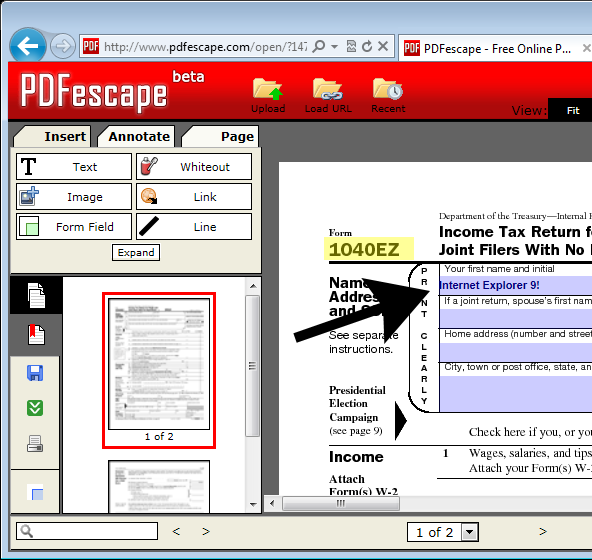
Note: Don't worry Firefox users, support for version 4 is also up and running on PDFescape!
Internet Explorer in PDFescape Monday, March 14, 2011 at 10:10AM UPDATE: Red Software is no longer affiliated with PDFescape, but this feature is still available in our RAD PDF technology. Edit your PDF with our online implementation, free of charge!
Red Software is proud to announce a new PDF annotation feature for its free PDF editor, PDFescape, text highlighting!
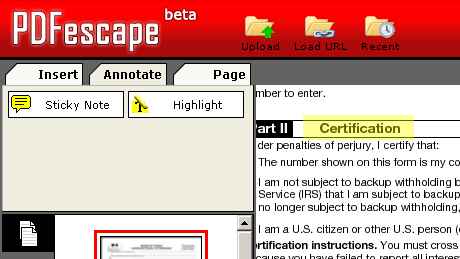
Found on the new "Annotate" tab of the PDFescape interface, the highlight tool allows text or graphics to be illuminated with the familiar yellow (or any other color) glow. Additionally, the link insertion tool has been streamlined, the check mark type for new check / radio form fields can now be set, and combo / list form fields can now have their options automatically sorted.
With these minor improvements, PDFescape continues to be the most powerful free PDF editor and PDF form filler online!
Annotations, highlight in Announcements, PDFescape